
Microsoft

flat-screen-computer-monitor-turned-on

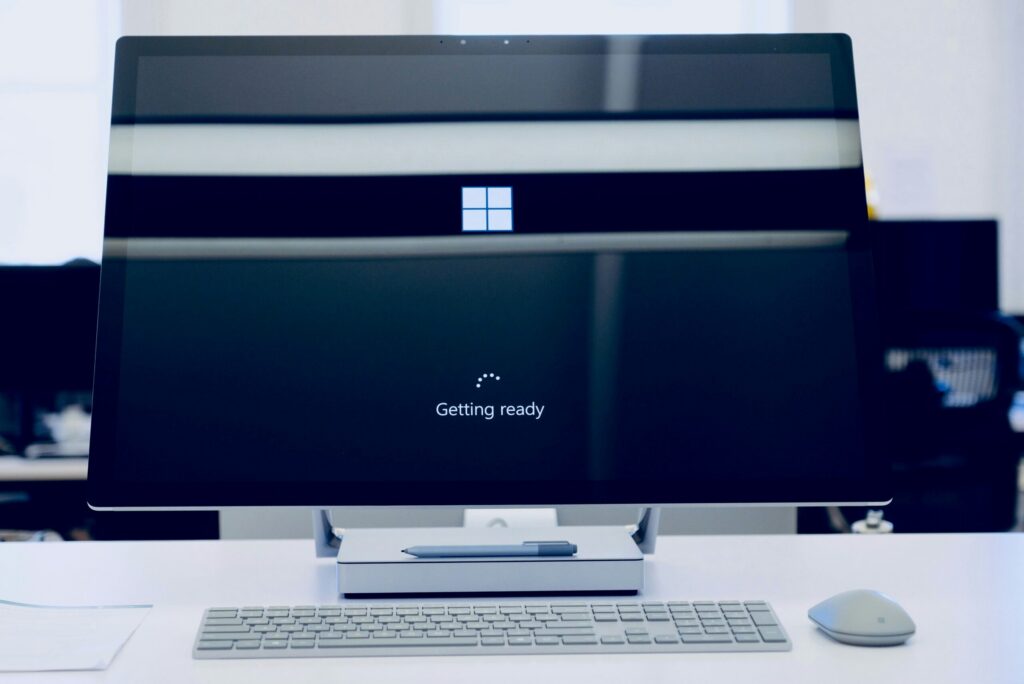
Still on Windows 10? Here’s Why You’re Putting Your Business at Risk

Article Summary: Windows 10 reached the end of Microsoft support on October 14, 2025, which means it no longer gets security updates. The computers still work, but any new flaw found in Windows 10 will never be fixed, which makes them easier to attack and can cause problems with compliance and cyber insurance. You have […]

Still on Windows 10? Here’s Why You’re Putting Your Business at Risk Read More »

Free A hand using a wireless mouse at a modern desk setup with a computer and keyboard. Stock Photo

Beyond Licensing: How to Stop Wasting Money onYour Microsoft 365 Security and Copilot Add-Ons

Microsoft 365 is a powerful platform that helps a business in many ways. It boosts collaboration and streamlines operations, among other benefits. However, many companies waste money on unnecessary licenses and features that are not fully used.  Fortunately, you can avoid this waste and take your business to the next level by adopting smarter use

Beyond Licensing: How to Stop Wasting Money onYour Microsoft 365 Security and Copilot Add-Ons Read More »

Free Hands on a Laptop Keyboard Stock Photo

Copilot in Teams – New Features, Agents & More

Microsoft Teams continues to evolve. It is a powerful hub for collaboration and communication in the modern workplace. With the integration of AI-driven Copilot, Teams is pushing the boundaries. It’s innovating how we interact with technology to streamline workflows. As well as improve productivity and unlock new business value. Recent updates to Copilot in Teams

Copilot in Teams – New Features, Agents & More Read More »

Person using Macbook Pro

Essential Settings to Maximize Your Microsoft 365 Experience 

Microsoft 365 is a powerful suite of tools. It helps to enhance productivity and collaboration. This is especially true for small to mid-sized businesses (SMBs). But to get the most out of Microsoft 365, it’s important to optimize its settings. Otherwise, you may only be using a fraction of the power you have. Ready to

Essential Settings to Maximize Your Microsoft 365 Experience  Read More »

white laptop computer on white table

Hot off the Digital Presses… Learn About Microsoft Copilot for Finance

Microsoft Copilot has been heading up the business AI charge. It’s used in Word, Excel, Edge, Windows, and more. This genAI-powered app is also showing up invarious function-related activities. The latest of which is finance processes. Microsoft Copilot for Finance is a game-changer. It injects the power of next-generation AI into the heart of your

Hot off the Digital Presses… Learn About Microsoft Copilot for Finance Read More »

a man sitting at a table writing on a notebook

4 Ways Small Businesses Can Leverage Copilot for Microsoft 365

What are some of the key differentiators that can propel small businesses forward? They include efficiency, productivity, and innovation. Microsoft has expanded the availability of one of its most dynamic tools to SMBs. A tool that can be a real game-changer for growth. Copilot for Microsoft 365 is a powerful new addition to the M365

4 Ways Small Businesses Can Leverage Copilot for Microsoft 365 Read More »

Three people in a meeting at a table discussing schedule on their Microsoft laptop

Introducing the New Microsoft Planner (Everything You Need to Know)

Calendars, task lists, and project planning are important business tools. Many people use Microsoft’s apps to power these processes. Including Planner, Microsoft To Do, and Project for the web. These tools help keep processes on track and enable task accountability. But they’re separate apps. Switching between apps can be cumbersome. It adds more complexity to

Introducing the New Microsoft Planner (Everything You Need to Know) Read More »